Skip to content
Mission Critical Services in Action

Real-time Visual Collaboration for Mission Critical Services

MCX with Eyeson: Enhance your mission-critical communications with Eyeson One View – a powerful composition layer that combines multiple live sources and real-time collaboration into a single resilient operational stream for MCX environments.

MCX Challenges

Closing the Operational Awareness Gap

Mission-critical communication systems (MCX) are designed for reliability, prioritisation and secure coordination in public safety environments. They ensure that emergency units receive guaranteed communication even under network congestion and that access rights follow operational hierarchies. However, when incidents escalate, coordination depends on more than voice – teams must align on the same visual context to make fast decisions.

Drones, bodycams, vehicle cameras and fixed CCTV feeds are often available simultaneously. In most MCX deployments, only one video source can be delivered to a group at a time. This forces units to switch feeds or verbally bridge information gaps, limiting effective collaboration during dynamic operations.

Eyeson extends MCX by adding a real-time video composition layer on top of the certified MCX environment. Multiple sources are combined into one composed stream – One View – and delivered to MCX, enabling teams to operate from a shared, synchronized operational picture.
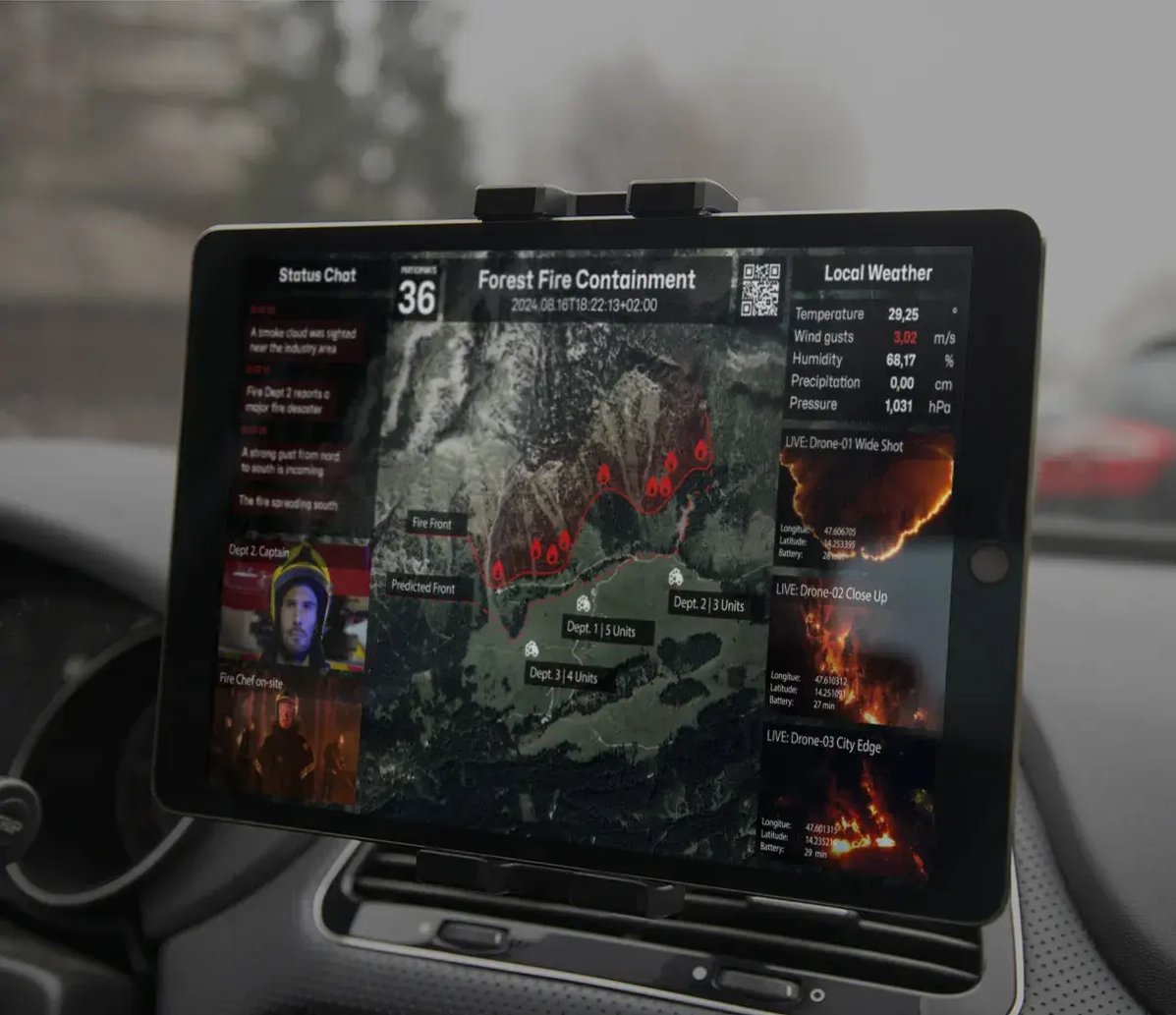
Virtual Situation Room

The Eyeson One View Solution

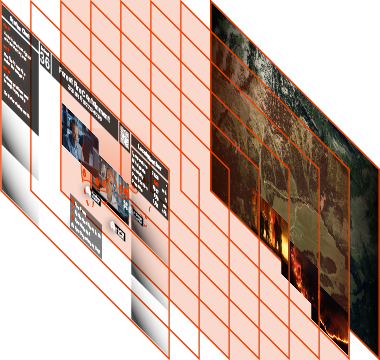
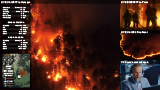
Using the Eyeson APIs, you can create a Virtual Situation Room that combines multiple live video sources into a single, clear video stream. Every recipient sees the same, shared operational picture in real time – without changing your existing MCX system. Eyeson allows you to control layouts, overlays, and video sources live, and to integrate drones, bodycams, and CCTV feeds directly into one unified stream.

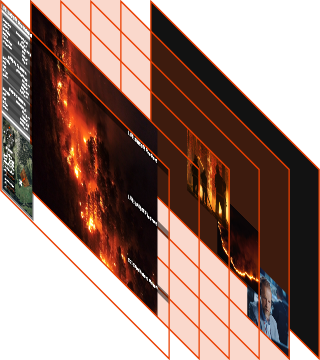
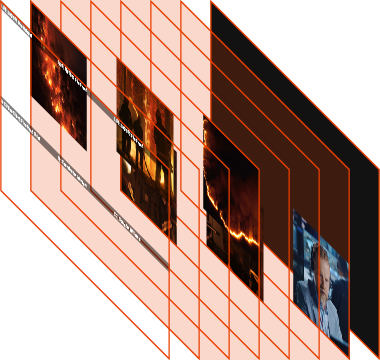
eyeson paths eyeson layers eyeson layers eyeson layers eyeson user eyeson user eyeson user eyeson user eyeson user eyeson paths eyeson source eyeson source eyeson source eyeson source eyeson source eyeson frames eyeson layout eyeson layout eyeson layout
placeholder-mcx-one-view
Why Eyeson

From Single Sources to Shared Operational View

Eyeson transforms single-source MCVideo into a unified, real-time C2-like operational view, enabling commanders to collaborate and make faster decisions with teams on the ground and remote stakeholders. 

1
Customisation
outside the MCX
Create and control complex live video layouts without modifying your MCX system. Add your AI for automated control.
2
Agnostic source integration
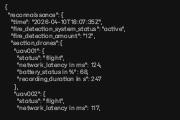
Easily combine videos from any drones, bodycams, CCTV and metadata — regardless of their technical format.
3
Total situational
awareness

Combine and share multiple live video feeds, visual data into one synchronized, super resilient operational view.

4
Collaborative Decisions

Live collaboration is included. Any expert or AI Model can be invited securely at any time. Better decisions, faster. 


Operational Scenario – Wildfire

Managing Multi-Unit Operations Under Critical Conditions

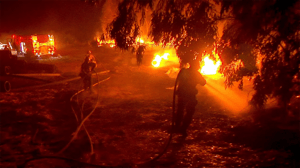
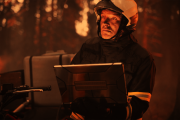
The use case: A wildfire spreads rapidly across a forest ridge. Command activates the MCX group with an associated Eyeson Virtual Situation Room to coordinate air and ground units.

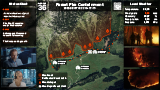
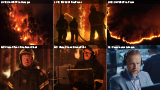
The first drone tracks the advancing fire line, a second drone monitors spot fires near residential areas. Ground supervisors stream from bodycams or MC Video clients while wind direction shifts unexpectedly.  Instead of switching between feeds, command sees one shared operational view: aerial overview, flank monitoring and live ground perspective combined in a single stream, with wind data overlaid. 

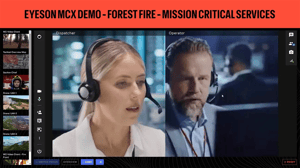
As the situation evolves, the focus shifts to a threatened access road. The layout adapts in real time. All units continue working from the same visual context. The full interactivity provided by the Virtual Situation Room allows a fast collaborative decision process involving teams on the ground, remote commanders and stakeholders.

Architecture Model

Operational Architecture Overview

icons8-divider Clear Role
Separation
The integration follows a defined separation of responsibilities.
The MCX system remains responsible for secure, prioritised communication, access control and certified mission-critical distribution to operational groups.
 
icons8-layers Dedicated
Composition Layer
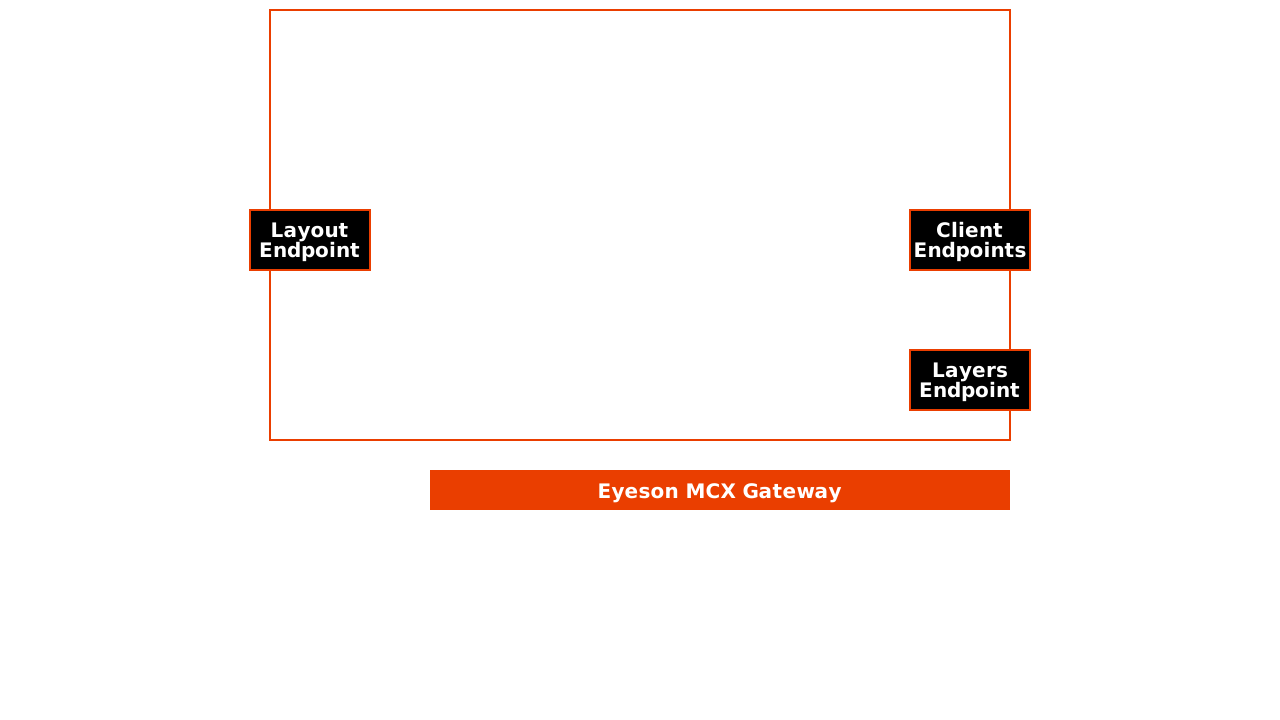
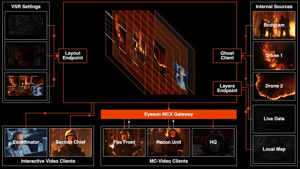
Eyeson operates as an external composition layer. It handles multi-source ingestion, layout and overlay management, live stream adaptation, and optional AI augmentation before forwarding a single composed stream.  
icons8-network_gateway Standardized
MCX Integration
The eyeson MCX gateway registers as a standard MCVideo client, receives the composed WebRTC stream and forwards it into group or broadcast calls. All video processing remains outside the MCX core, avoiding complex integrations or system updates.  
FAQ

Frequently Asked Questions

  • 1 | How can I add a stream to Eyeson?

    Video sources such as drones, bodycams, or CCTV can be connected via the Eyeson API or supported streaming protocols. Once connected, they are available instantly for live composition.
  • 2 | How do I customise the video stream?

    Layouts, overlays, text, and source selection can be controlled in real time through Eyeson. Changes can be made during a live operation without interrupting the stream.
  • 3 | Why are all video features handled outside of MCX?

    Handling video processing outside MCX avoids changes to your certified MCX environment, reduces complexity, and allows greater flexibility and faster innovation.

  • 4 | Can I add AI features to this setup?

    Yes. AI services such as object detection, face blurring, text recognition, or automated alerts can be integrated into the Eyeson video pipeline.

line-dark

Experience Seamless Coordination in Critical Moments

See how Eyeson composes multiple live sources into a single operational stream for MCX. Request a live demo or speak with our experts to explore your deployment options.