Device Control
Unlock robust, scalable video conferencing capabilities with our patented MCU+ server and developer-friendly API
Quick Join
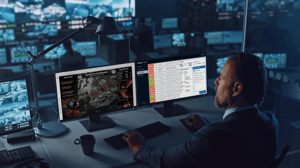
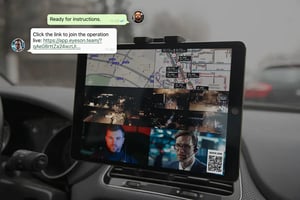
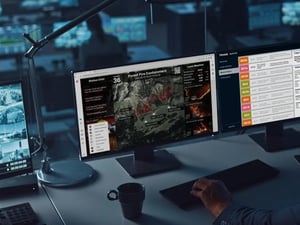
A virtual interactive situation room ensures swift, synchronized operations with instant access. Full command and control is available from anywhere with a single click, allowing for quick mobilization and remote management. Keep all parties informed and coordinated, enhancing situational awareness for immediate decision-making.
Preview Page
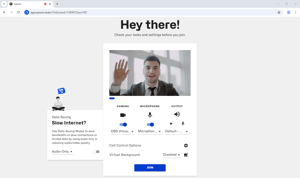
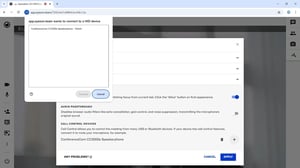
Some configuration options enable users to modify visual and device-related settings in the Preview Page. For example, participants can enable background blur to reduce visual distractions or configure additional input devices when operating in more complex setups. If the connection is flaky, join in audio-only mode.
Meeting Menu
The main menu serves as the central navigation hub of the Eyeson user interface, providing streamlined access to core features and key actions. It is designed for clarity and efficiency, allowing users to quickly locate and execute essential functions without unnecessary complexity. Optimized for rapid interaction, the menu supports intuitive navigation across the platform, helping users maintain focus and productivity while minimizing the time required to move between different sections and tools.

Control Devices
Beyond the core meeting interface, the Eyeson Prebuilt UI provides additional features to extend usability and operational flexibility. Accessible through the More Options menu, these tools allow participants to adjust their setup and manage session behavior without interruption.
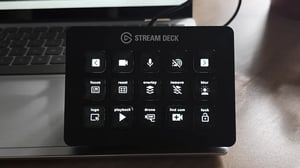
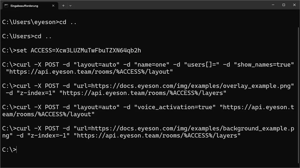
This section highlights key capabilities for interacting with devices and controlling video streams. It includes hardware integration, external control interfaces, and programmatic access, enabling more advanced and customized use cases.


Short Cuts
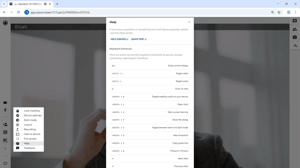
Eyeson video calls support keyboard shortcuts to improve efficiency and reduce reliance on manual navigation. These shortcuts allow users to perform common actions directly during a session, helping streamline interaction with the interface. A full list of available shortcuts can be found in the Help section of the menu, making it easy to discover and reference them when needed. Examples:
- M: "Press-to-Talk", while you are muted
- SHIFT+I: Copy the Guest Link
- SHIFT+S: Start screen sharing

Multi-Party Conferencing
Eyeson One View is designed around the Multipoint Control Unit (MCU) with additional features. It processes and merges all incoming data streams, such as video, audio, metadata, and other video sources, into a single unified video stream. This includes the participants' microphones and webcam feeds.
The resulting stream dynamically adapts its quality to each participant's network conditions. Because the stream is centrally composed, every participant receives identical visual and audio content. This ensures consistent situational awareness across distributed teams and simplifies session management.
In 3GPP Mission Critical Services (MCX) standards the system only needs to initiate video clients. The Eyeson Gateway then connects to the clients and delivers a managed video stream. Eyeson controls its own participant access and permissions while users from the MCX system remain outside of Eyeson's direct management.
Additional video sources such as drones IP cameras or bodycams can also be added to Eyeson sessions. These sources may provide live feeds or playback content that becomes part of the unified stream. External experts can join Eyeson sessions to contribute video or audio while MCX controls which of its users see the unified stream
The Core:
Eyeson MCU+
The Eyeson MCU+ is a powerful, cloud-agnostic server designed for scalable and efficient real-time media processing. It supports comprehensive video conferencing features and seamlessly integrates custom data and media from any sources. With automatic scaling to handle increased demand, it ensures robust and low-latency performance, ideal for dynamic video solutions.
Build & Control
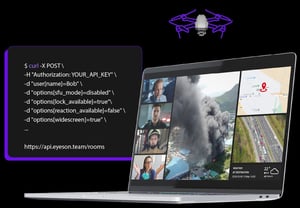
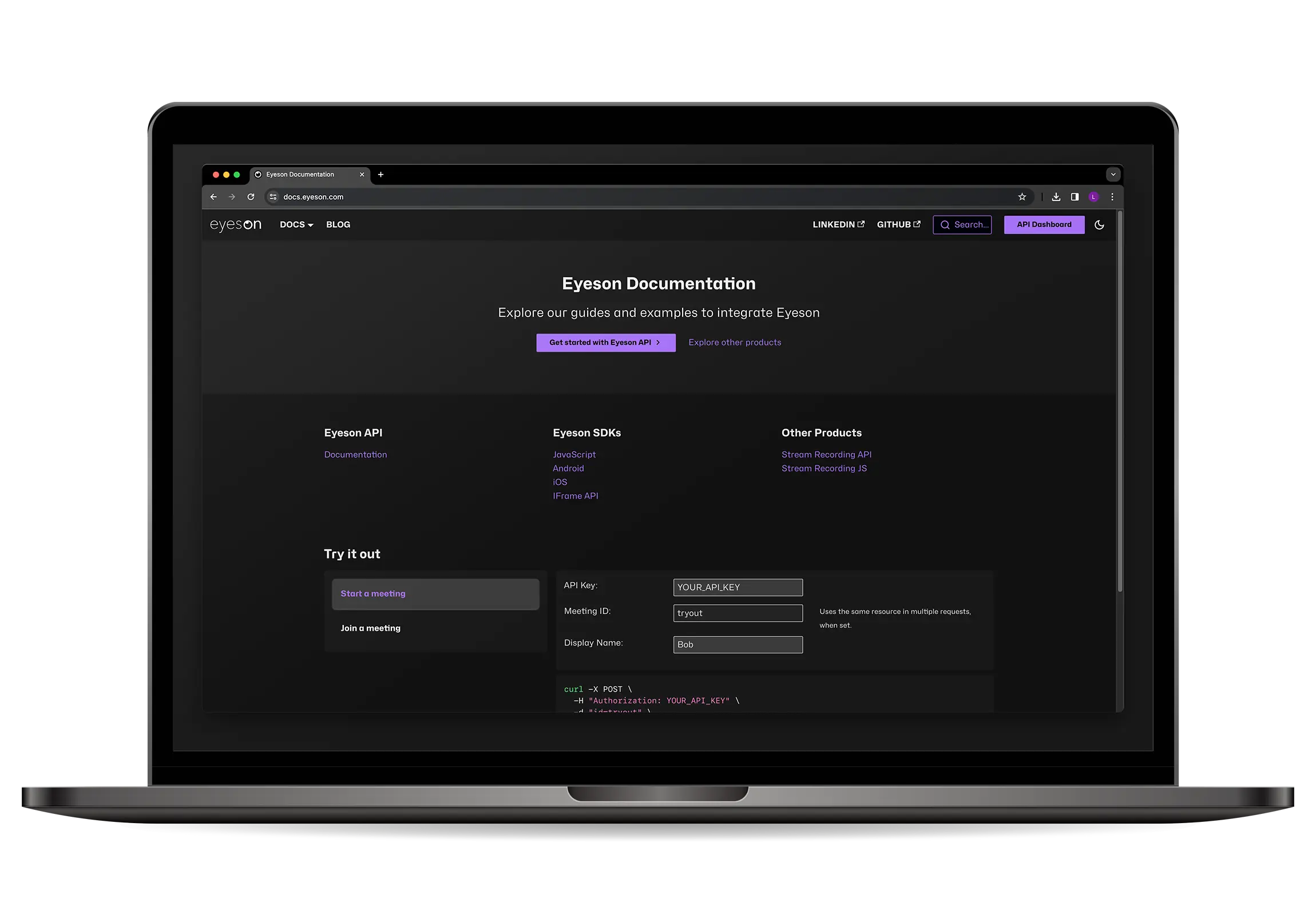
Easily start and manage video meetings with the Eyeson API. Quickly initialize meetings, manage participants, adjust layouts, and control media streams in real-time. The API also supports advanced features like screen sharing, recording, and custom data overlays, offering developers simple tools to enhance and tailor video conferencing solutions.
Main Capabilities
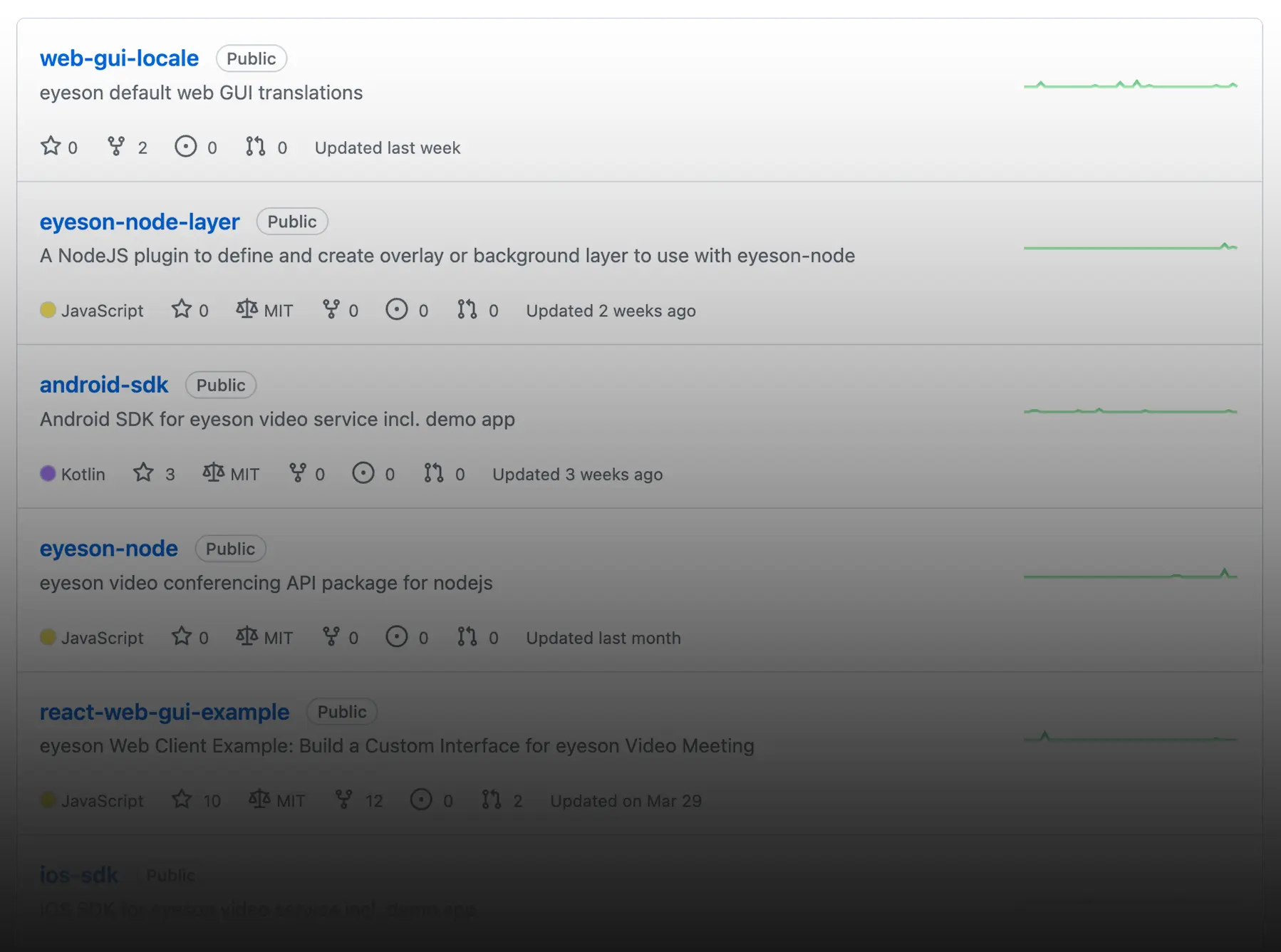
Streamline call control with the Eyeson API: a developer-friendly toolkit designed for effortless integration and endless possibilities in building scalable, feature-rich video conferencing solutions.